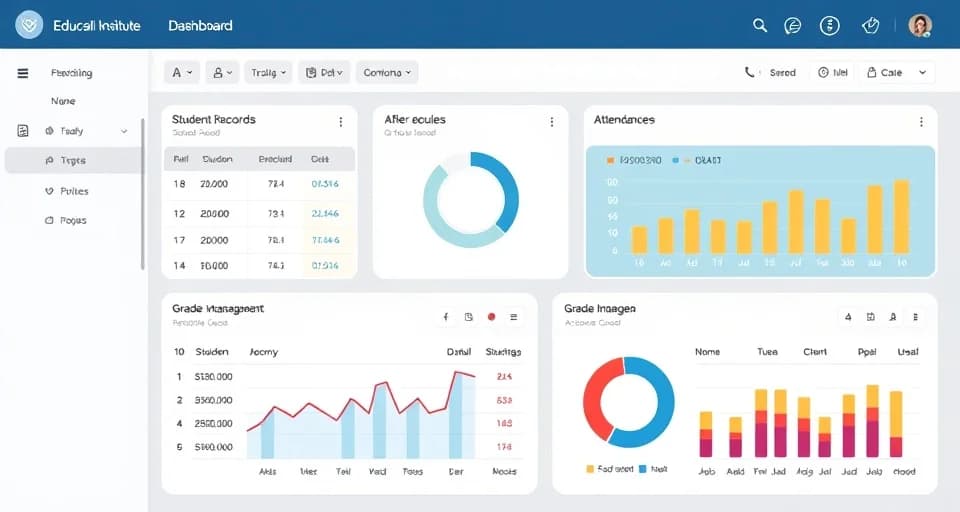
Choosing the right school management software is an important decision for any school. Choosing the right solution can help school streamline administrative operations, foster communication among various stakeholders, ensure proper management of student records and give administrators a clearer overview of academic and operational processes.
There are numerous options on the education market today; thus, schools need to pay close attention not only to features of the offered solutions but also to their practical value. The right solution for the school should not only meet the requirements but also be simple to use, secure all information regarding the school, and be able to adapt itself as the school progresses.
What Is School Management Software?
School management software refers to an online platform that assists schools in managing various aspects such as academics, administration, finance and communication with ease.
Rather than keeping different spreadsheets, records, papers and channels of communication, schools can use a single platform to operate everyone’s information from student records to attendance, fees, timetable, exams, staff details, and parent communication.
With a properly designed school management software, it is possible to limit repetitive administrative tasks while ensuring authorized users have easy access to vital information.
Why Do Institutions Require School Management Software
Numerous tasks are associated with running a school. The information can be difficult to find and update if these processes are reliant on paperwork and different tools.
With the help of school management software, schools can:
- Store all information about students and teachers in one place.
- Eliminate the occurrence of paperwork and repetitive data entry.
- Enhance the attendance tracking and reporting.
- Organize schedules and exams.
- Facilitate the process of collecting and storing fees.
- Generate various reports for administrators and management.
- Provide access to information to authorized staff whenever required.
- Improve communication between schools and parents.
The aim of the education process is to not only digitize existing processes, but also to improve the efficiency of routine operations. For schools looking to strengthen parent communication, a school mobile application can provide a convenient way to share important updates and information digitally.
Key Features to Consider When Choosing School Management Software
Schools differ in necessities, but there are key functionalities to consider when assessing software options.
Student Management
The student management functionality should provide an individual profile for every student. Schools should be in a position to store information about admissions, contacts, academic performance, family, and any other data.
The functionalities may include the following:
- Profiles of students
- Records of admissions
- Information about parents and guardians
- Document management
- Allocation of classes and sections
- Students’ history and academic data
The centralized databases for all students help school staff access information without requiring them to look for it in different resources.
Attendance Management
The process of tracking attendance is one of the most widely practiced operations in school administration. An efficient attendance management system should ensure that teachers can record attendance with minimal effort while also making available relevant information to school management and parents.
Following are the main functionalities of such a system:
- Keeping attendance on a daily basis
- Tracking students’ absenteeism
- Generating reports on the attendance status
- Summarizing attendance information by classes and students
- Giving relevant notifications
- Keeping track of attendance data over the past years
Automated attendance data preparation helps reduce the time needed for generating manual attendance reports.
Academic Management
Tools for academic management enable schools to structure their educational practices in an orderly fashion throughout the school year.
The instrument should meet the particular needs of the educational institution, which might include:
- Management of classes and subjects
- Establishing timetable
- Formulating examination schedule
- Keeping track of marks and grades
- Creating report cards
- Being aware of academic calendars
- Monitoring and control of students’ achievements
The system should be flexible and fitted to the actual structure of the academic institution.
Fee Management
Fee management is more than simply keeping records of payments. Besides remembering about the payments, schools should be aware of fee schemes, deadlines, invoices, receipts, debt, and payment history.
Would-be beneficial components of fee management module are:
- Creation of fees
- Record of fees for students
- Tracking of payments
- Debts collected
- Receipts
- Notifications about payments made
- Reports about fees
A well-organized fee management system provides less room for human errors that may happen if the process is performed manually.
Cloud vs. On-Premises Software
It is important for schools to determine how their management software is provided.
Cloud-Based Software
This manner of school management software is hosted remotely and delivered via the internet.
Advantages might include:
- Accessing the software using any compatible device or location
- Not having the need for servers owned by the school
- Regular software updates
- Backup processes can occur automatically
- Scalability is hassle-free
- Lower hardware and maintenance costs
- Reports about fees
A well-organized fee management system provides less room for human errors that may happen if the process is performed manually.
On-Premise Software
On-Premise software is often more beneficial to control the local environment, but managing servers, maintenance, backups, security and others can require more cash outlay.
Cloud-based solutions can simplify deployment, maintenance, updates, and long-term scalability.
The preferred option would have to be chosen according to the unique needs and infrastructure of the institution.
Common Mistakes to Avoid
- Skipping the pilot: Always run a pilot with a subset of staff before full rollout. Issues that seem minor in a demo become significant when real data and real workflows are involved.
- Underestimating change management: Software adoption fails when staff do not buy in. Involve teachers and administrators in the evaluation process — their input improves the decision and their involvement improves adoption.
- Over-prioritising price: The cheapest option is rarely the best value. A platform that staff will not use effectively costs more in the long run than one with a higher licence fee that genuinely solves your problems.
- Ignoring the mobile experience: Parents and teachers increasingly expect to access school information via mobile devices. Evaluate the quality of the mobile app, not just the desktop platform.
Making the Final Decision
The right school management software is the one that best addresses your specific problems, that your staff will genuinely use, that has credible vendor support behind it, and that you can afford to run sustainably over the long term. Take your time with the evaluation, run proper demos, speak to references, pilot carefully, and involve the people who will use the system every day.
A well-chosen platform will save your school hundreds of hours per year and improve the experience for students, parents, and staff alike — a return that justifies careful consideration at the outset.